
Ohaco
Build 3D-printable models with blocks
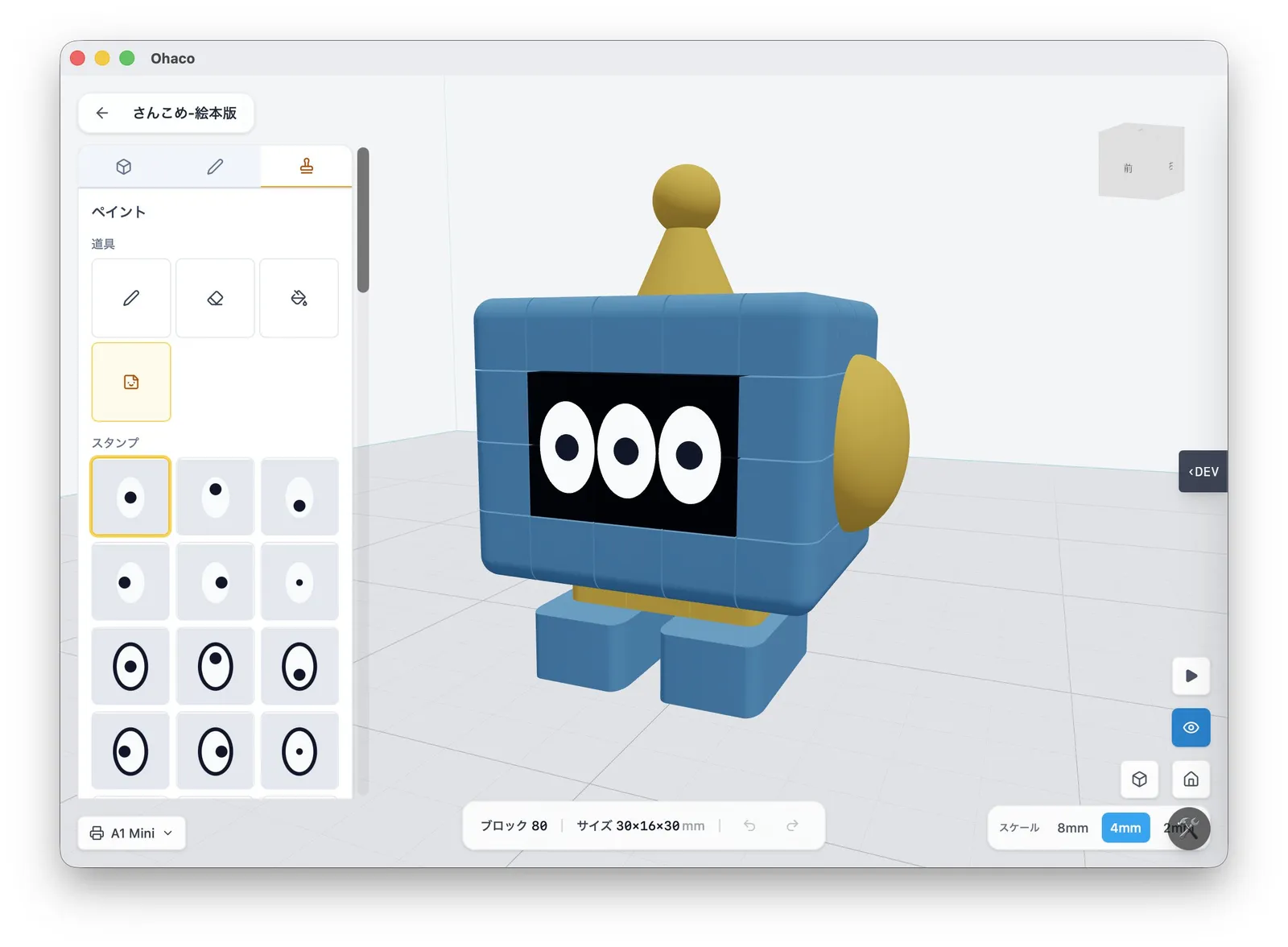
Work-in-progress screenshot — subject to change
Ohaco is an app under development that lets you build 3D-printable models simply by snapping block parts together.
The design space is constrained, but the controls feel like a building game so anyone can model. Working mechanisms are planned too.
In development — coming soon
Get an email about future Ohaco updates.
You can unsubscribe anytime.About the newsletter
Easy 3D modeling with blocks
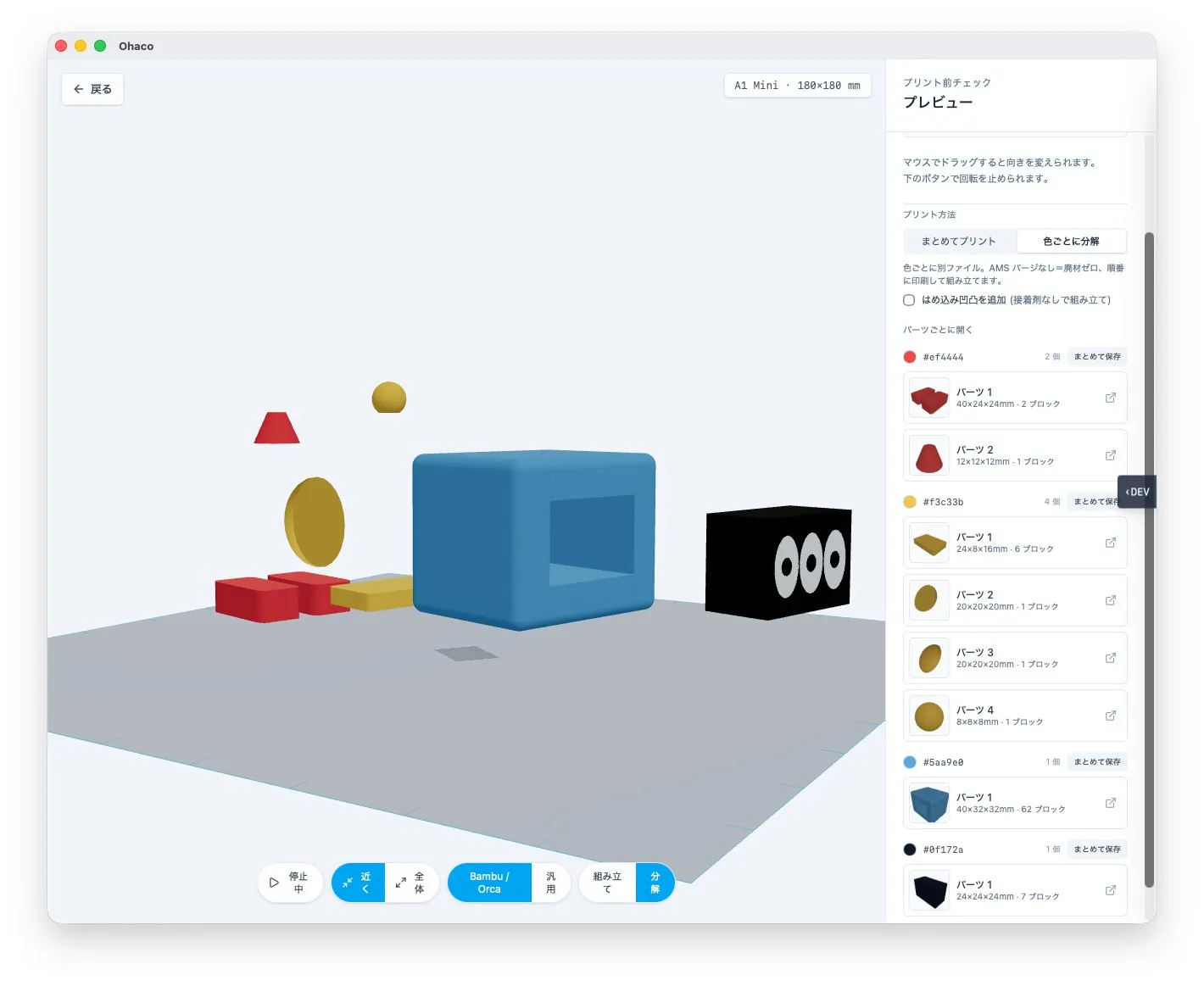
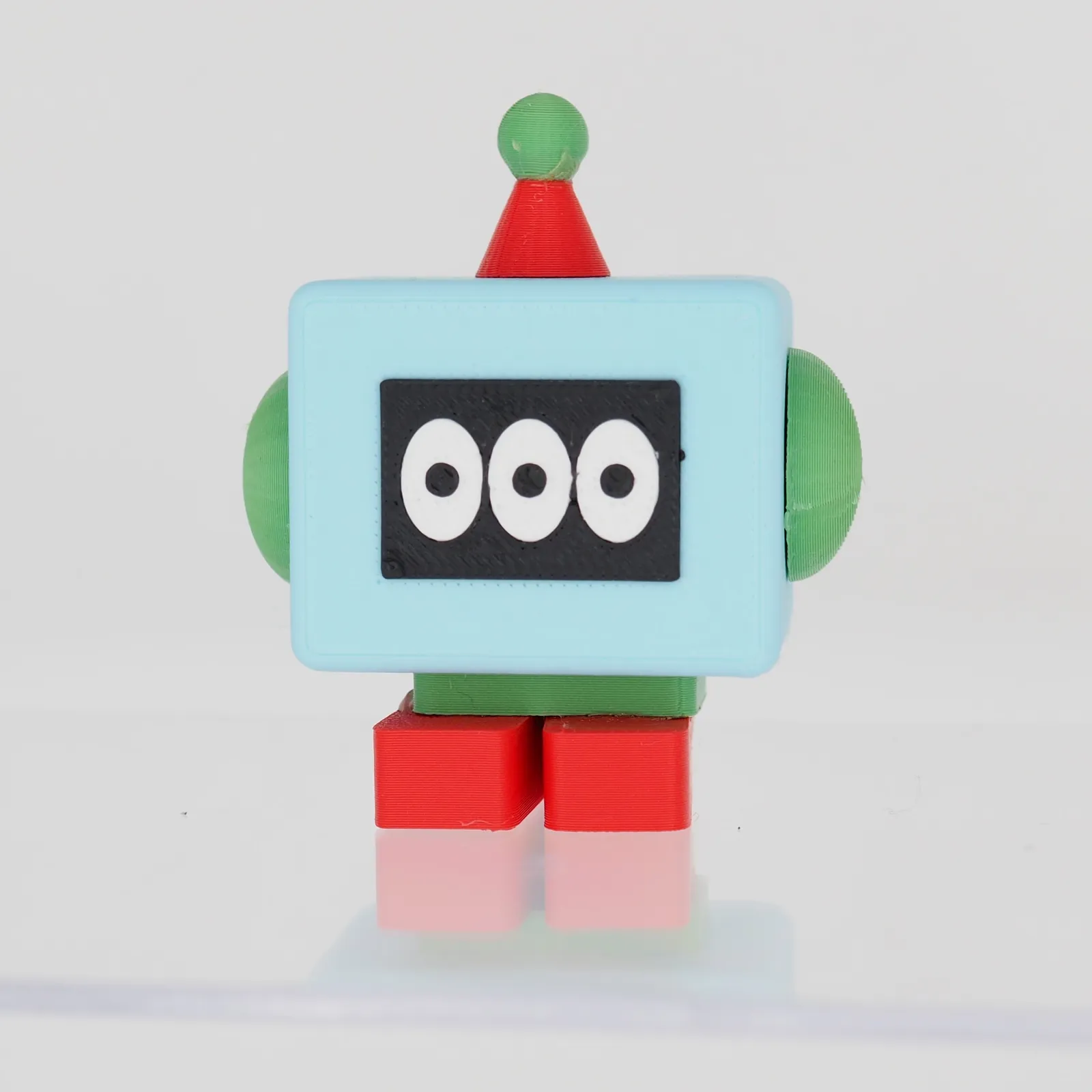
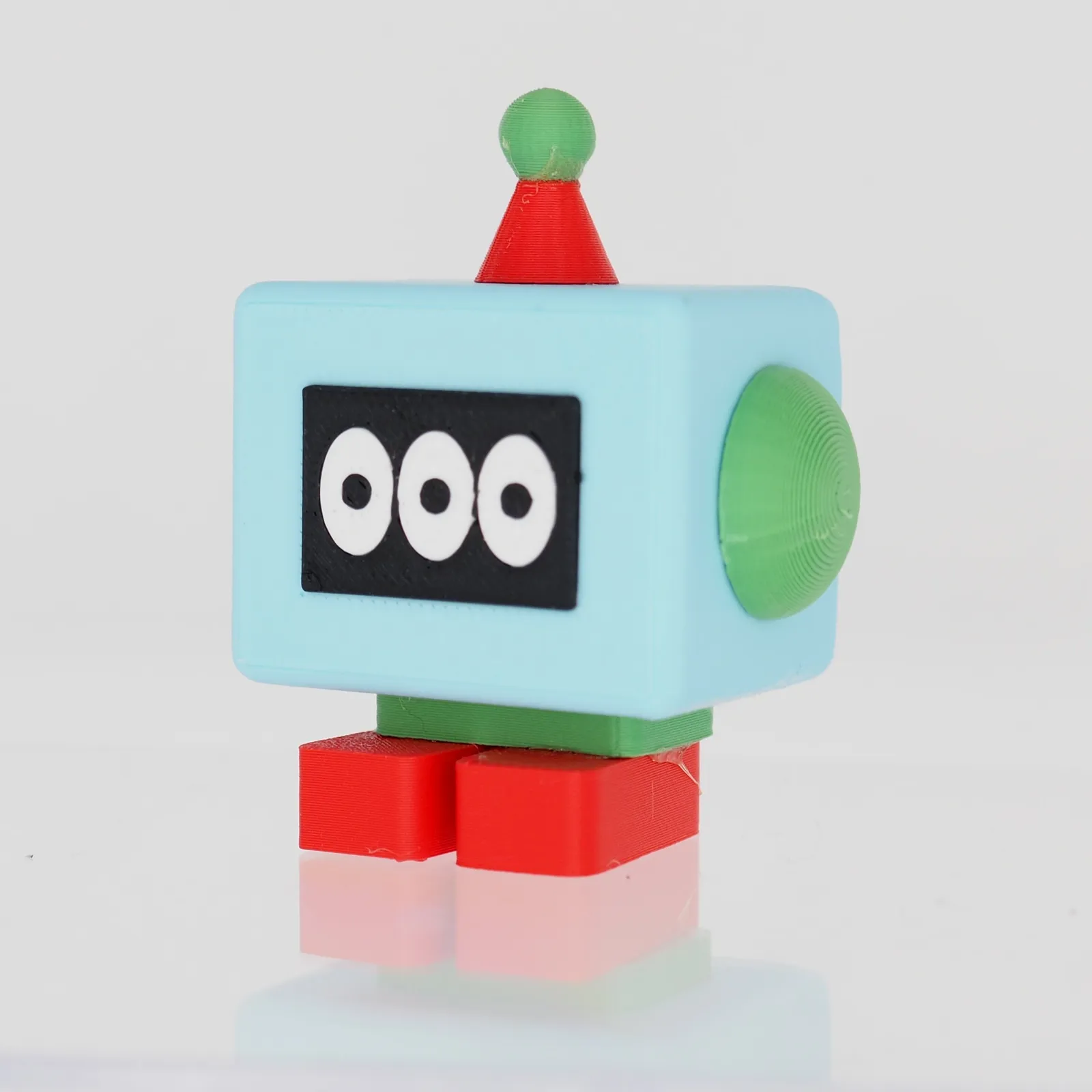
Read more about how it was made on the blog.
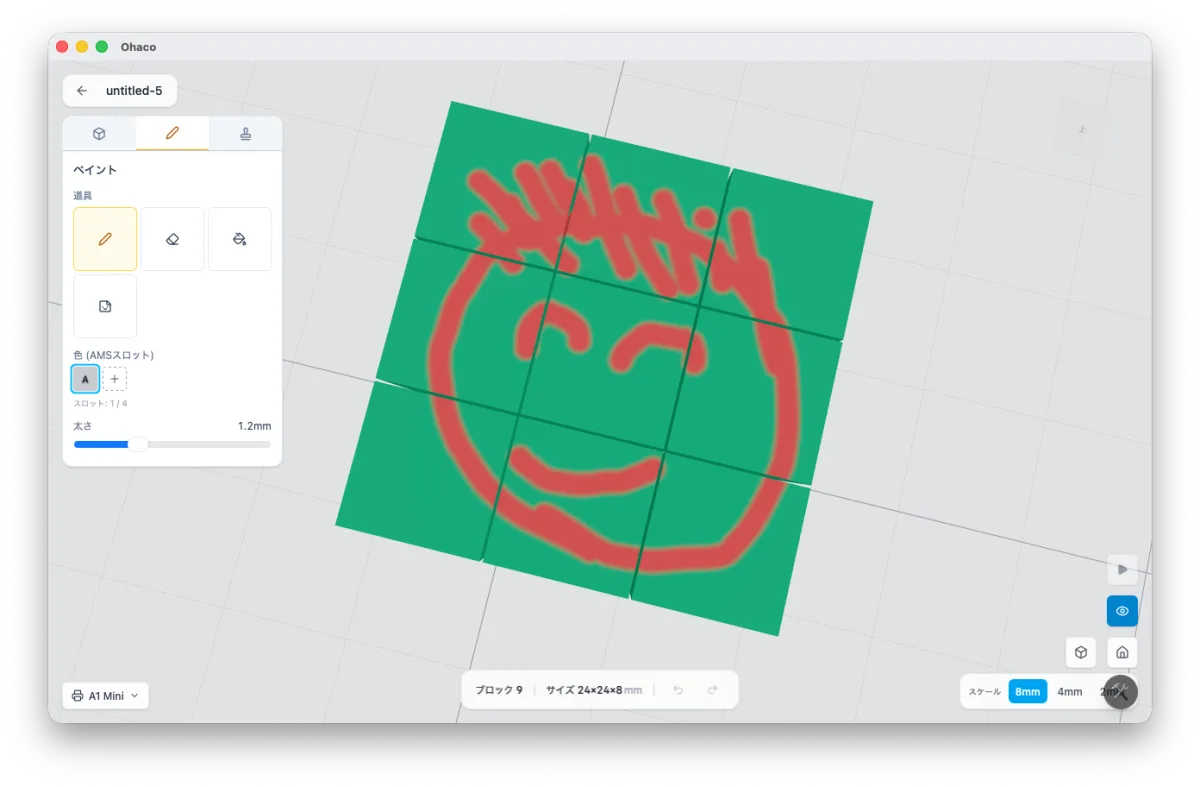
Color it with a pen
Build working mechanisms
Add a hinge and you can design moving parts — like a lid that opens and closes.
In development
Features we're currently building and testing, on the way to release.
- Servos & gears
- Add servos and gears, then move them on screen to check range of motion and collisions.
- Drop-in hardware
- Place a display, servo, ESP32, or speaker and Ohaco generates a printable holder to mount it.
- Snap-fit & auto split
- Glue-free joints, plus automatic splitting of large models into printable parts.
- Print preflight
- Automatic checks for manifoldness, wall thickness, and overhangs to catch print failures early.
In development
Planned for release on the App Store for iPad and Mac. Follow development updates at shirokumamake.com.